
Why Basic Uptime Monitoring Isn’t Enough (And What You Actually Need)
For many teams, “monitoring” starts and ends with one simple question:
Is the website online?
If the answer is yes, everything must be fine — right?
Not quite.
Modern websites can be technically “up” while still failing users in ways that cost you traffic, revenue, and trust. The reality is, basic uptime checks don’t tell the full story.
Let’s break down why — and what you actually need instead.
What Basic Uptime Monitoring Does
Uptime monitoring typically checks if your website responds to a request.
If it gets a response:
- Your site is considered “online”
- No alert is triggered
If it doesn’t:
- You get notified of downtime
This is useful — but extremely limited.
The Problems Basic Monitoring Misses
“Up” Doesn’t Mean “Working”
Your server can return a 200 OK response even when:
- Pages are half-rendered
- Critical scripts fail
- APIs return empty or broken data
To a monitoring tool, everything looks fine.
To users, your site is broken.
Performance Issues Go Undetected
Slow websites are just as harmful as offline ones.
If your page:
- Takes 8 seconds to load
- Freezes during interaction
- Delays key actions
Users leave — even if your uptime monitor says everything is “green.”
Critical User Flows Aren’t Tested
Basic monitoring doesn’t check:
- Login functionality
- Form submissions
- Checkout processes
These are the parts of your site that actually generate value.
If they break, your business takes the hit — silently.
Partial Failures Slip Through
Some issues only affect:
- Specific regions
- Certain browsers
- Particular endpoints
Your homepage might load fine, but:
- Your API fails in one region
- Your payment gateway breaks for some users
Basic monitoring won’t catch this.
No Context, No Insight
Even when downtime is detected, basic tools often provide:
- Minimal error details
- No root cause clues
- No performance history
You’re left guessing instead of fixing.
What Modern Monitoring Should Look Like
To truly protect your website, you need visibility beyond “up or down.”
How to Monitor What Actually Matters
Track Performance, Not Just Availability
Measure:
- Load times
- Time to first byte
- Page rendering speed
Performance degradation is often the first sign of bigger issues.
Monitor Real User Journeys
Simulate actual behavior:
- Logging in
- Navigating key pages
- Completing transactions
This ensures your most important flows always work.
Check APIs and Endpoints
Your frontend depends on your backend.
Monitor:
- API responses
- Data integrity
- Response times
If your API fails, your app fails — even if the UI loads.
Use Multi-Location Monitoring
Test your site from different regions to detect:
- CDN issues
- Regional outages
- Latency differences
A global audience needs global reliability.
Get Actionable Alerts
Good alerts don’t just say “something broke.”
They tell you:
- What failed
- Where it failed
- When it started
That’s what allows fast resolution.
The Cost of Staying Basic
Relying only on uptime checks leads to:
- Missed failures
- Delayed responses
- Frustrated users
- Lost opportunities
It creates a false sense of security — and that’s where the real risk lies.
What Effective Monitoring Feels Like
When your monitoring is done right:
- You know about issues before users do
- You understand exactly what went wrong
- You fix problems quickly and confidently
No guessing. No scrambling. No surprises.
Final Thoughts
Uptime monitoring is a starting point — not a solution.
If you’re serious about reliability, performance, and growth, you need deeper visibility into how your website actually behaves.
Because being “online” isn’t enough.
Your site needs to work — flawlessly.
Stay Ahead with Plomer
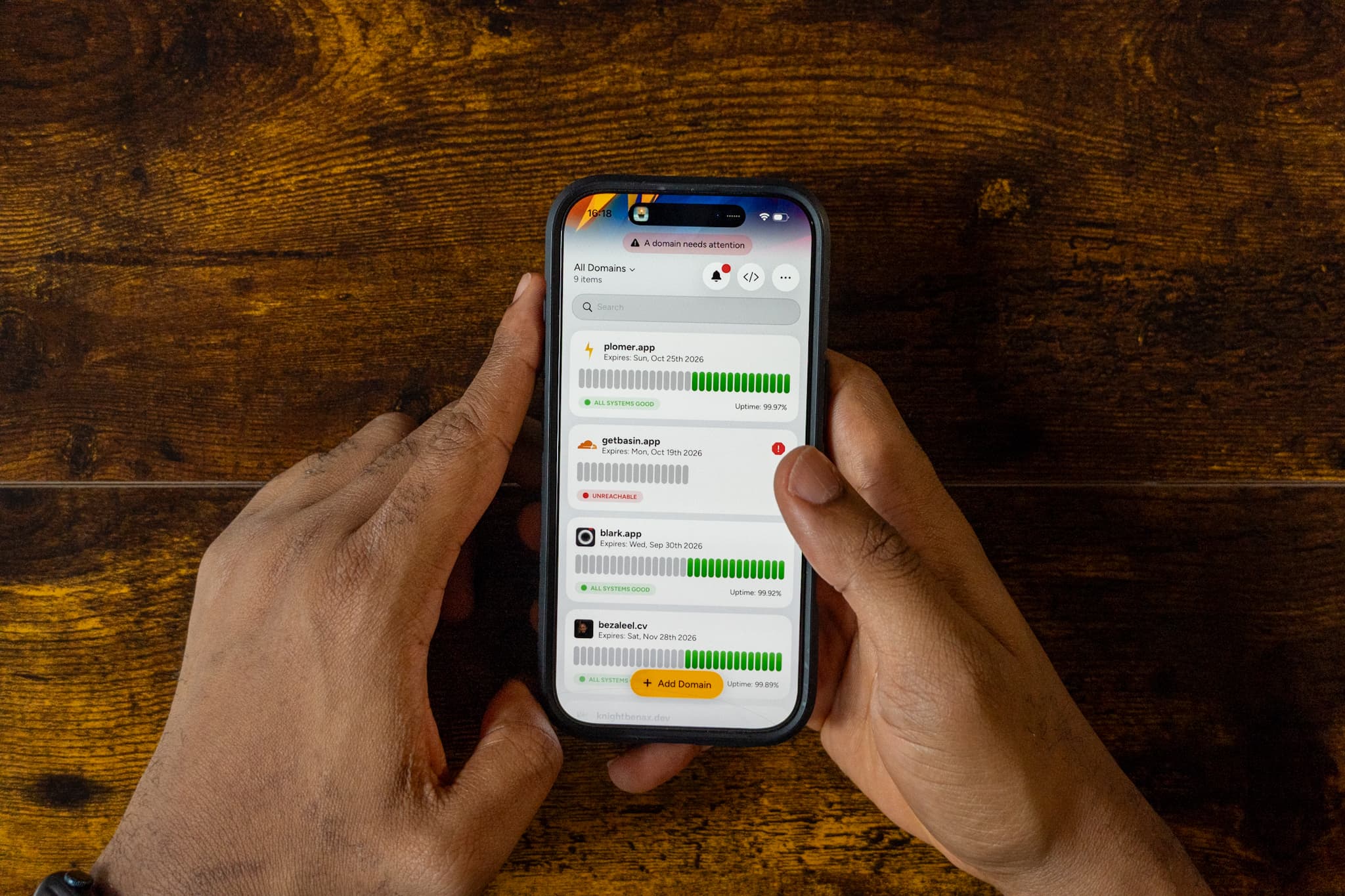
Plomer goes beyond basic uptime checks to give you real insight into your website.
With Plomer, you can:
- Monitor uptime, performance, and endpoints together
- Simulate real user behavior
- Detect issues before they impact users
- Get clear, actionable alerts
Don’t settle for “it’s online.”
Start monitoring smarter with Plomer and keep your website performing at its best.